
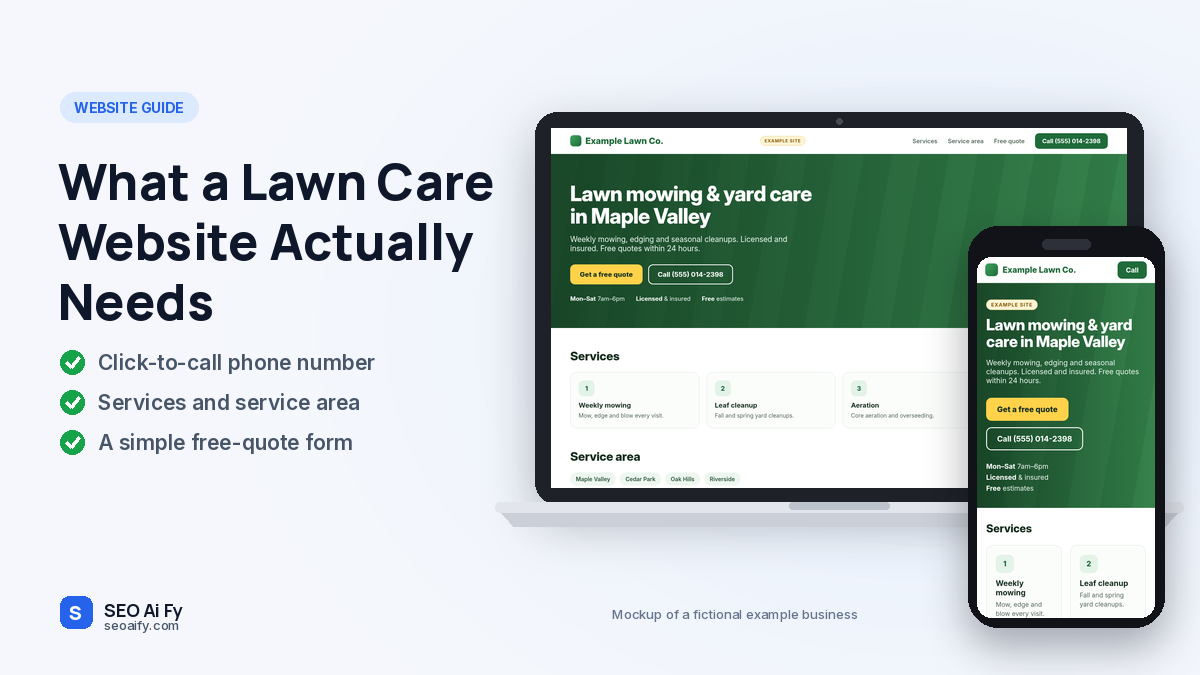
What a Lawn Care Website Needs: 6 Things to Put on One Page
What a lawn care website needs is one page, not ten. That page needs six things: a phone number people can tap, the towns you cover, your services with “from” prices, your own before-and-after photos, reviews from Google, and fast loading on a phone. If a homeowner can find your number and trust you within about ten seconds, the site is doing its job.
Everything else, like an About page, a blog or a booking calendar, can wait until the business needs it. Below is what each piece should look like, what separates good lawn care websites from weak ones, and when one page stops being enough.
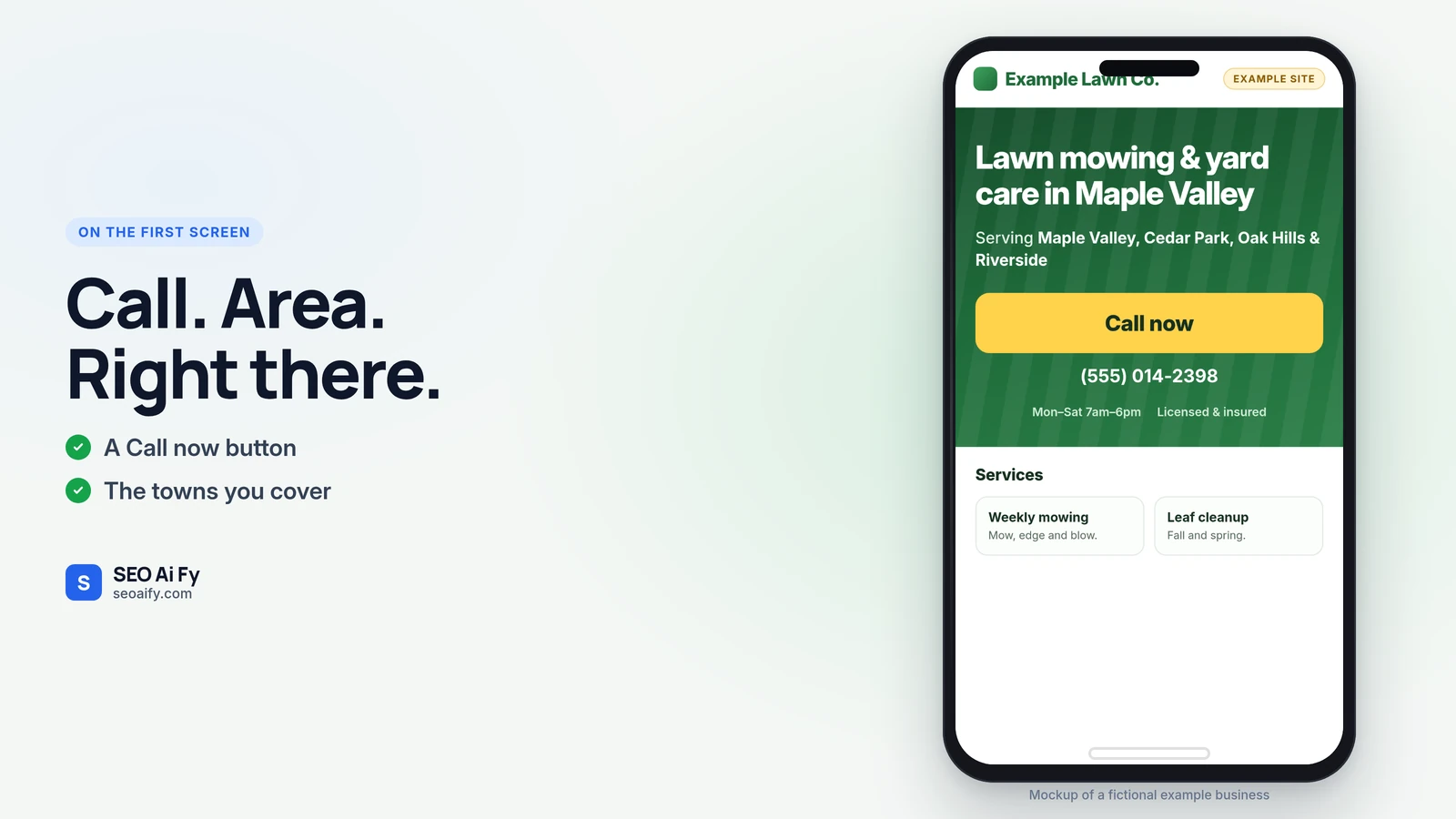
What a lawn care website needs, in order of importance
1. A number they can tap
Most of your visitors will be on a phone. Put the number in the header as a real click-to-call link, not an image. Repeat it next to the main button and again at the bottom. If they have to zoom in or copy the digits, some of them will call the next result instead.
2. The towns you actually cover
“Serving the greater metro area” tells nobody anything. List the towns or zip codes you want work in. Make sure they match the service area on your Google Business Profile. When the two disagree, customers get mixed signals and so does Google.
3. Services with “from” prices
Name the jobs you want: weekly mowing, edging, spring and fall cleanup, mulch, aeration, overseeding, shrub trimming. Then give a starting price, even a rough one, like “Weekly mowing from $X for a standard lot in [town]”. Yes, some competitors will see it. The trade-off is worth it: fewer calls from people who were never going to pay your rate, and more from people who already know roughly what it costs.
4. Your own before-and-after photos
Take them on your phone, in daylight, on real jobs in your area. Photograph a mulch bed before and after, or an overgrown backyard and the same yard after the first cut. Five good photos beat a slow gallery of fifty. A perfect stock lawn from another state hurts you, because people can tell.
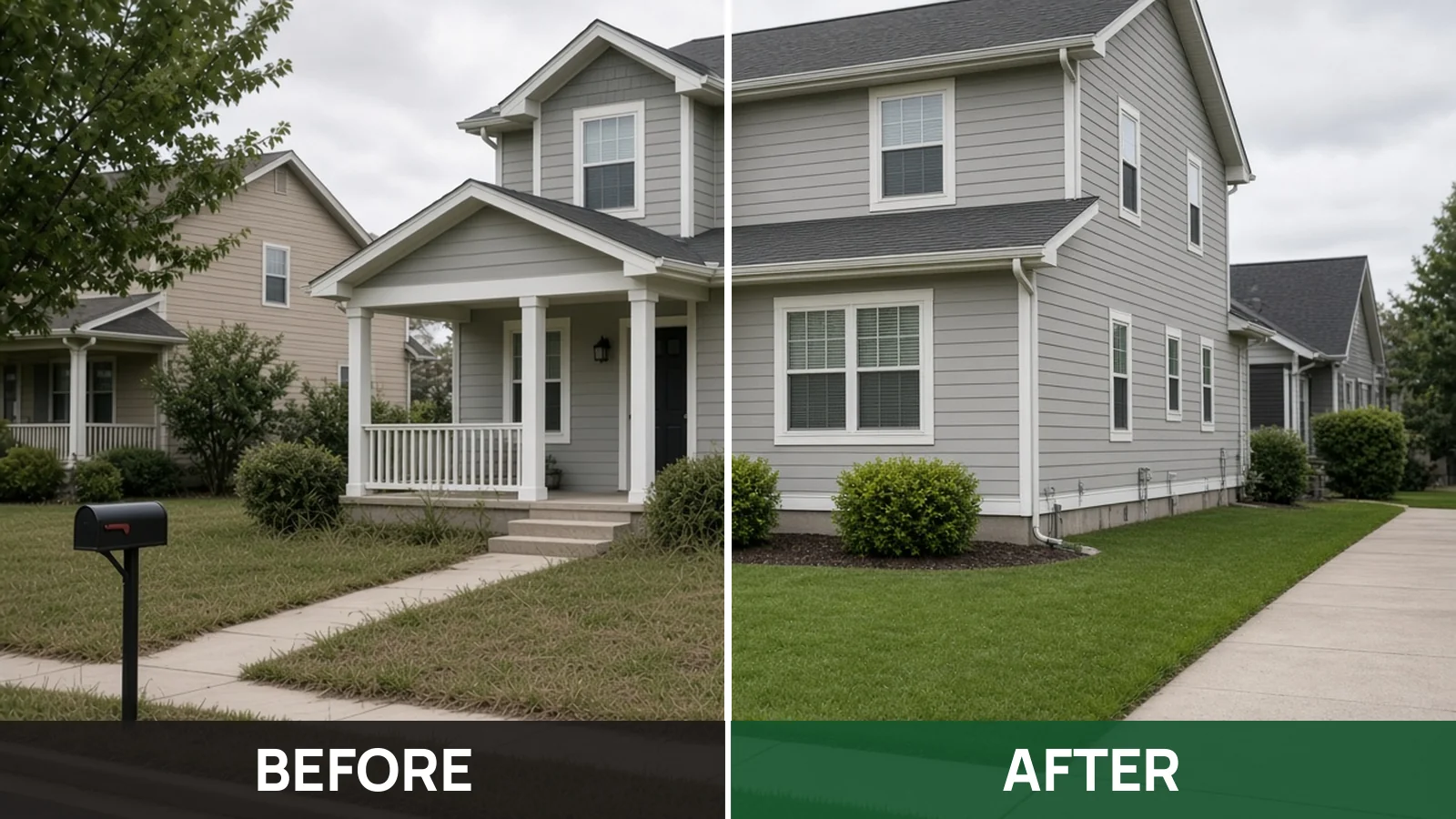
5. Reviews from Google, with a link to the rest
Show a few real reviews from your Google Business Profile and link to the profile so visitors can read them all. Never type out reviews you can’t link to. If you only have three, show three and keep asking every happy customer.
6. Fast on a mid-range phone
Compress your photos and skip sliders, autoplay video and pop-ups. On the first screen, a visitor should see your name, one line about the work, the service area and the call button. You don’t need a perfect speed score. You need the page to work on a normal phone signal.
Lawn care website examples: what good and weak sites have in common
Search “lawn care near me” in your town and open the first five websites. The good ones share a pattern, and so do the weak ones.
| Good lawn care websites | Weak lawn care websites |
|---|---|
| Phone number at the top, tappable | Number only in the footer, or as an image |
| Towns listed by name | “Serving the area” |
| Services with starting prices | “Full-service lawn care”, no prices |
| Real local yards | Stock photos |
| Google reviews with a link | No reviews, or unlinked quotes |
| Loads quickly on a phone | Slow slider and a pop-up |
Notice what is missing from the good column: number of pages, fancy design, a blog. None of them decide whether a homeowner calls.
When one page stops being enough
A one-page site suits a lawn care business with one or two crews and a defined service area. You need more pages when:
- You work several cities and want to rank in each one separately.
- You sell a long menu of landscaping packages, each with its own details.
- You are hiring regularly and need a careers page.
- You are running local SEO seriously and need service and city pages to rank. Our local SEO service covers that.
For that kind of site, our website design work starts at $1,500 for a 5-page local business site.
If you would rather have the page built for you
Our $79 one-page website is built around the checklist above. It works as a website for a lawn care business, and for other US trades. It is $79 one-time, with your domain and hosting included. Once it’s paid, your site is live on your own domain within 48 hours. I’m happy to change anything before it goes live. A professional mailbox is not included.
This is a one-time website price. It is not the AI chatbot, which is $79 a month. If you’re not happy within 14 days you get a full refund, and you keep the domain. The details are on the refund policy. Payment is one-time, securely through Stripe.
Lawn care website questions
Do I need a website if I already have a Google Business Profile?
You can start without one, but add a simple site soon. The profile is free and is where most local searches start, which is why Google’s own setup guide is worth following first. A website gives you a page you control, with your prices and service area, that doesn’t change when Google changes its layout.
At what point does a solo lawn operator need a website?
Once you want customers from outside your neighbors and word of mouth. That exact question has its own thread on r/lawncare. A useful signal is when people start asking “do you have a website?” or when your Google profile gets views but few calls. A one-page site is enough at that stage.
What is the best website builder for a lawn care business?
The one you will actually finish. Any mainstream builder can produce the six items above. What matters is that the domain is in your name, the phone number is tappable and the page loads fast. Avoid lawn-industry platforms that lock your site to their software if you might switch later.
How do I make a lawn care website myself?
Register a domain in your own name, pick a builder, and fill one page in the order above: number, towns, services with prices, photos, reviews. Publish it, then test it on your own phone before you share the link.